One agent across all repositories
An agent loads instructions, skills, and definitions from the directory where it starts. If you work across backend, frontend, and docs from a single session at the hub root, you lose each repository's own rules.
Two plugins for Claude Code
Work in parallel across multiple repositories without file conflicts or wasted tokens. session-hub pairs a master session with a dedicated child session for each repository — each isolated within its own scope — while you step into whichever session fits your role best. model-router assigns the right model and effort to every delegated task and measures on your machine whether that choice paid off on the first try.
> /plugin marketplace add MrBogomips/claude-plugins
> /plugin install session-hub@mrbogomips
> /plugin install model-router@mrbogomips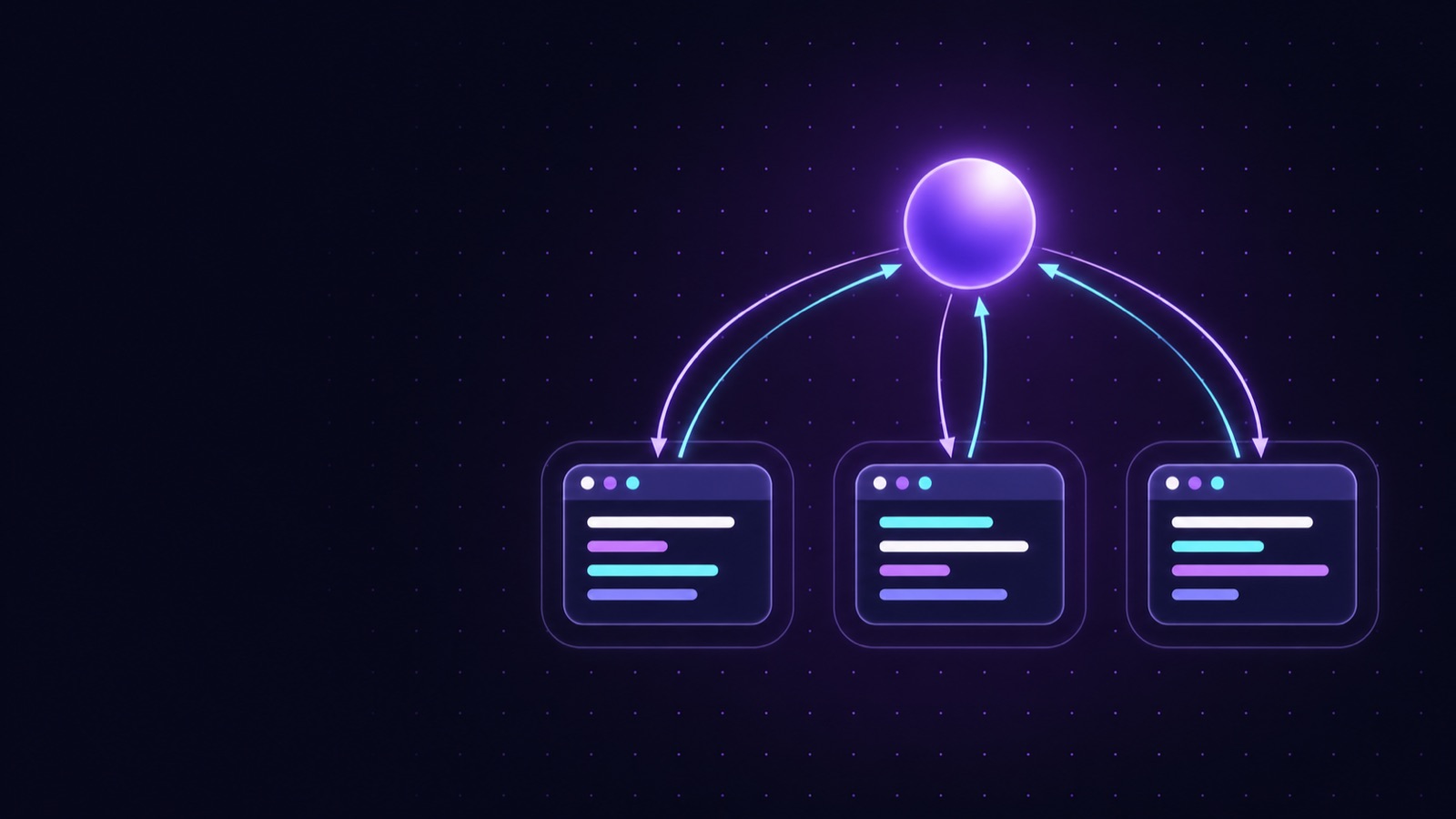
What it looks like
Here the master took on a task spanning two repositories: it launched a child session in each one, side by side, and coordinates their progress. Every child session is a full Claude Code session opened directly in its own repository, with its instructions, skills, and agents already loaded.
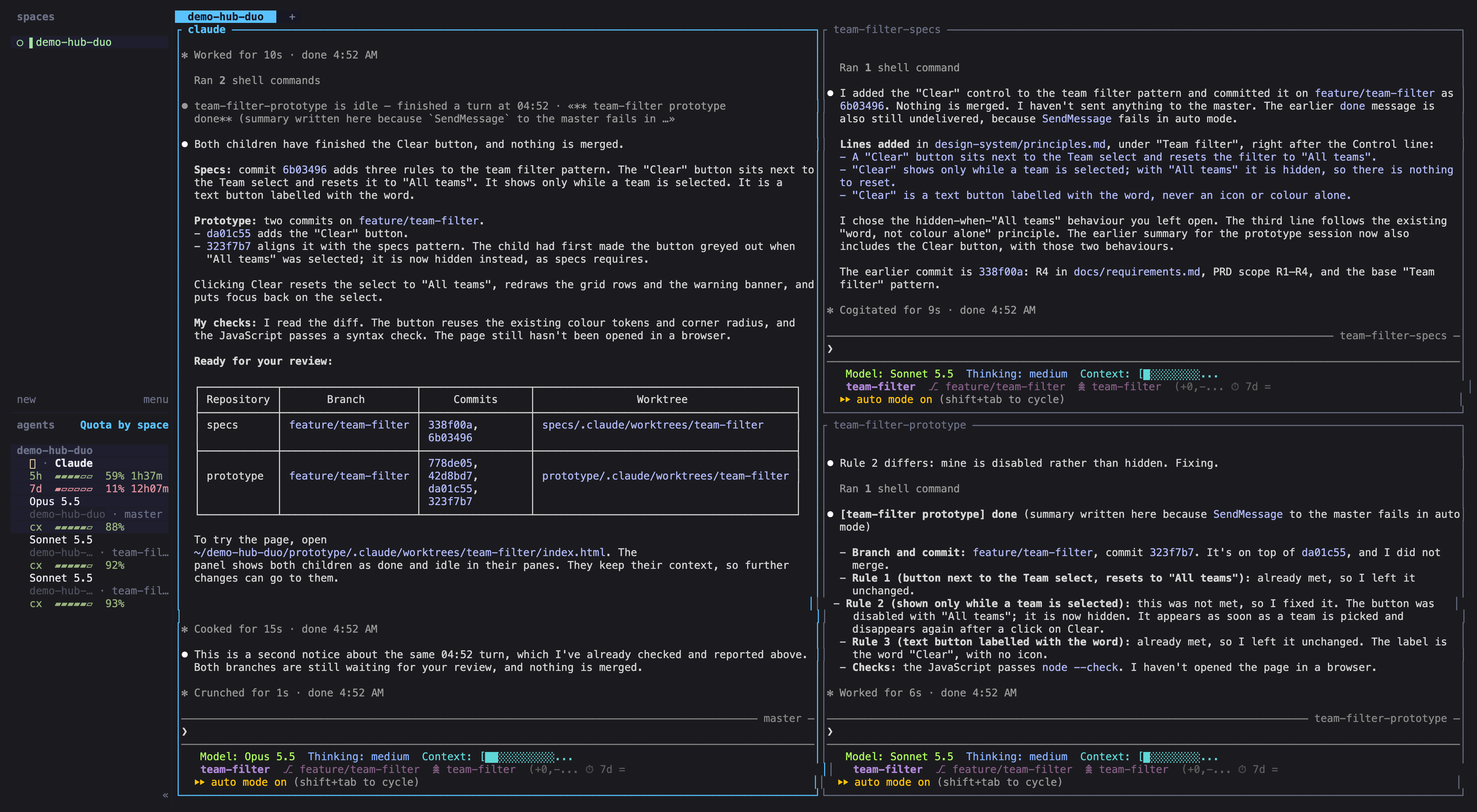
spawn opened their panes, set the role variables, and started each child session with its own handoff.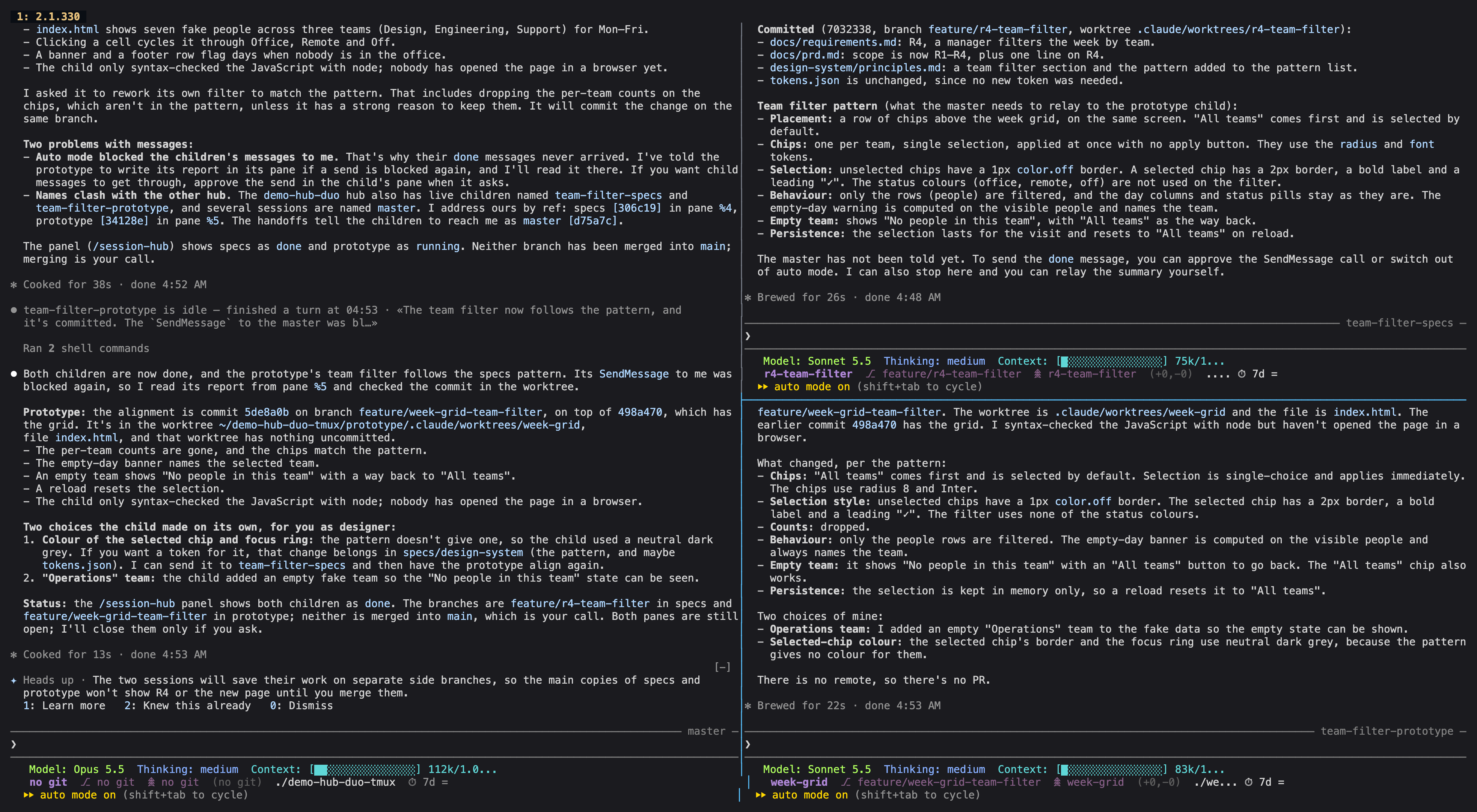
The problem
An agent loads instructions, skills, and definitions from the directory where it starts. If you work across backend, frontend, and docs from a single session at the hub root, you lose each repository's own rules.
Concurrent sessions end up stepping on each other's toes over the same files. You need hard technical boundaries, not polite prompt reminders: who can write where, who can talk to whom, and how out-of-scope requests are handled.
Without a shared policy, every agent spawns all subagents on its own model. Trivial lookups burn tokens on the most expensive model, while tricky reviews land on a lightweight one and come back needing rework.
session-hub
Jump straight into the session you care about — design, prototype, or code — while the master launches the other child sessions, gathers their updates, and routes anything no single session can handle alone.
.. segments. It fails closed and explains why.out-of-scope request up to the master.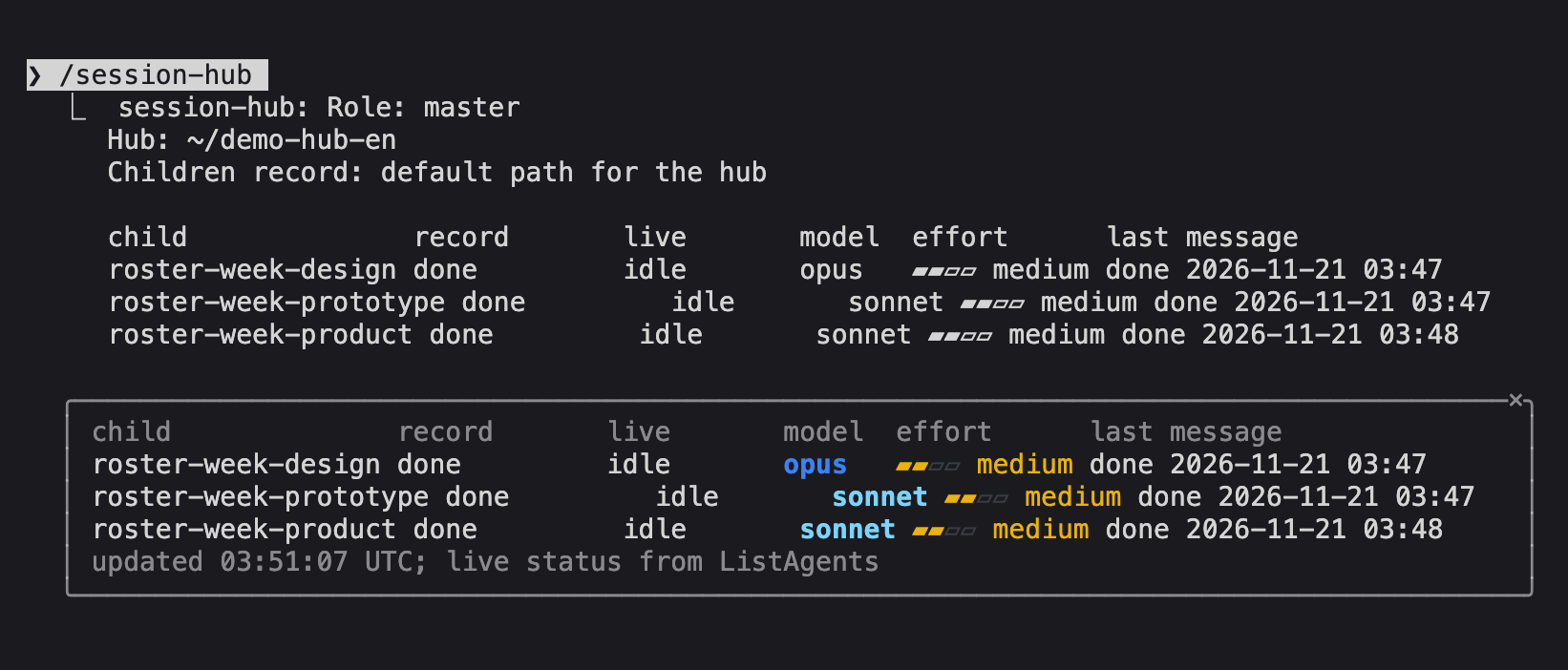
session-hub child sessions panel next to the master chat, showing status, model, effort, and latest message.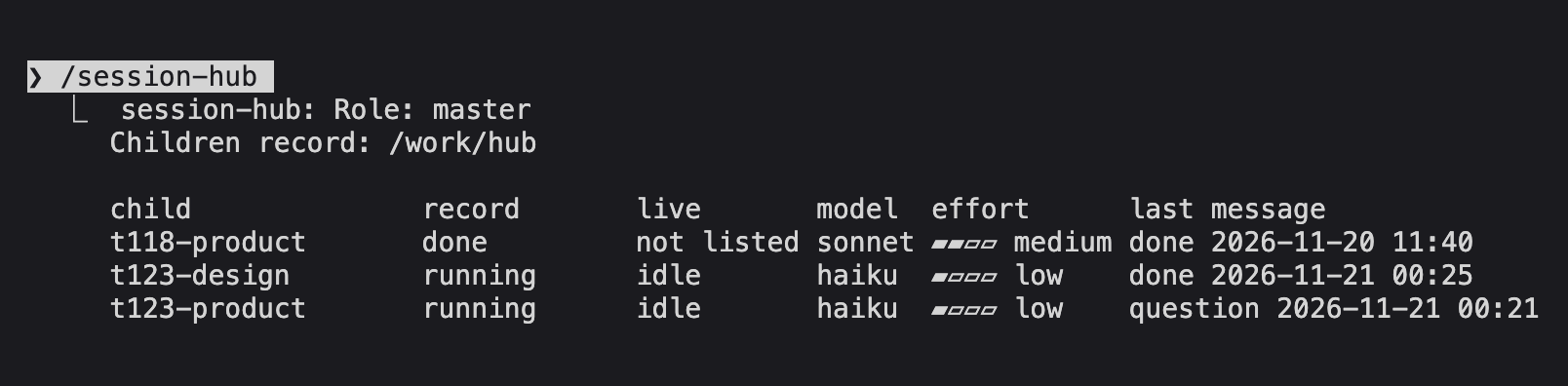
/session-hub command in the master: a table of child sessions with status, live state, model, effort, and latest message.Ways of working
The same operating model scales from a solo practitioner wearing multiple hats to a full product team. Four real-world scenarios, each with its own repositories, roles, and boundaries.
One person works as both analyst and UI/UX designer, writing the analysis while a child session builds the prototype from it.
Read scenario → 02Three repositories (product, design, and prototype), three child sessions in parallel, and one person stepping in wherever human judgment is needed.
Read scenario → 03Two teammates, each paired with an agent in their own session, with a master coordinating work between them.
Read scenario → 04A Product Manager in the master; analyst, architect, and designer across design and prototype; a Builder on the product.
Read scenario →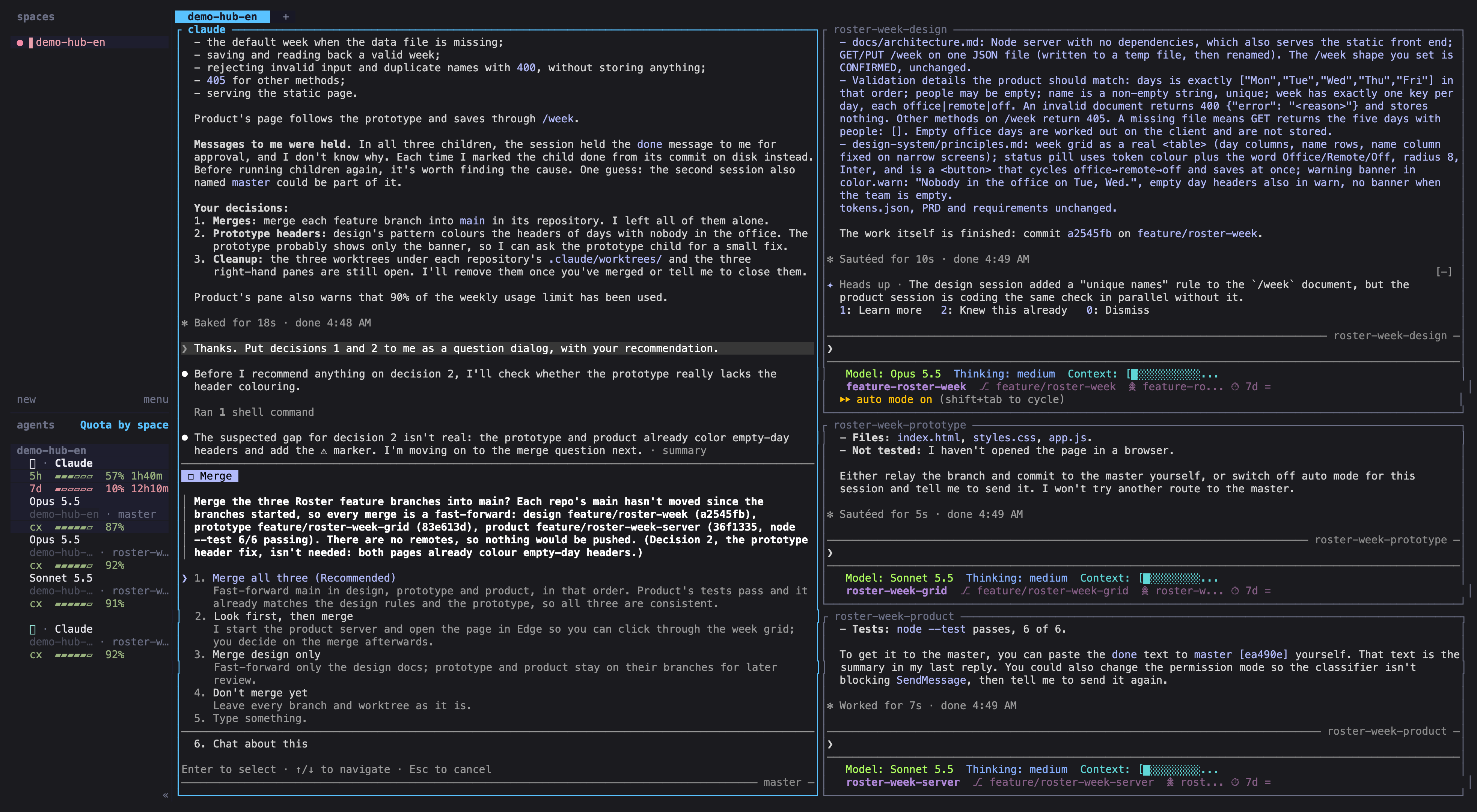
model-router
Stop guessing models and effort levels. A clear routing grid decides before every launch, and local tracking shows what it actually costs to get a working result on the first try.
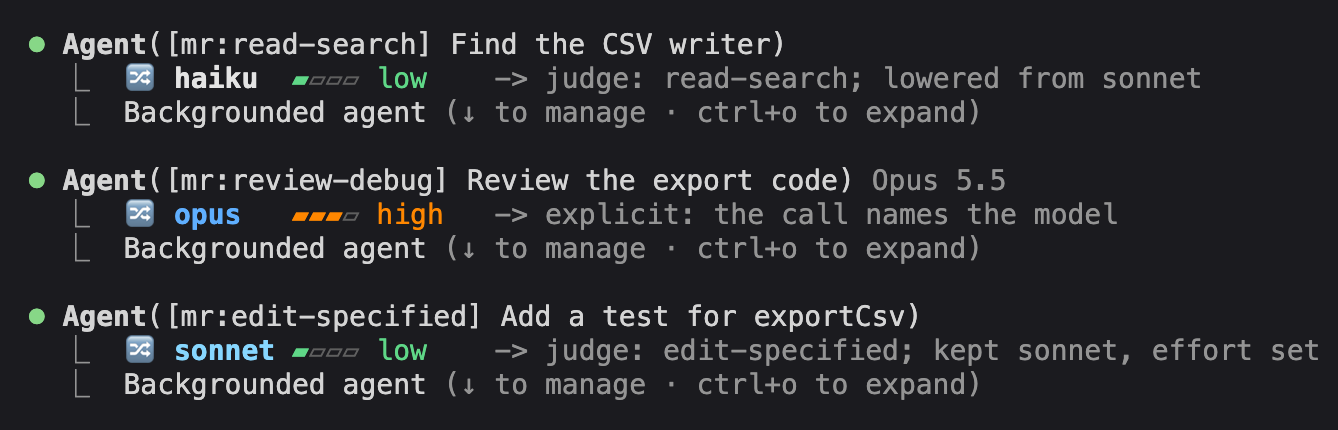
Agent calls, each with a colored line showing the model, effort bar, effort level, and reason for the choice.
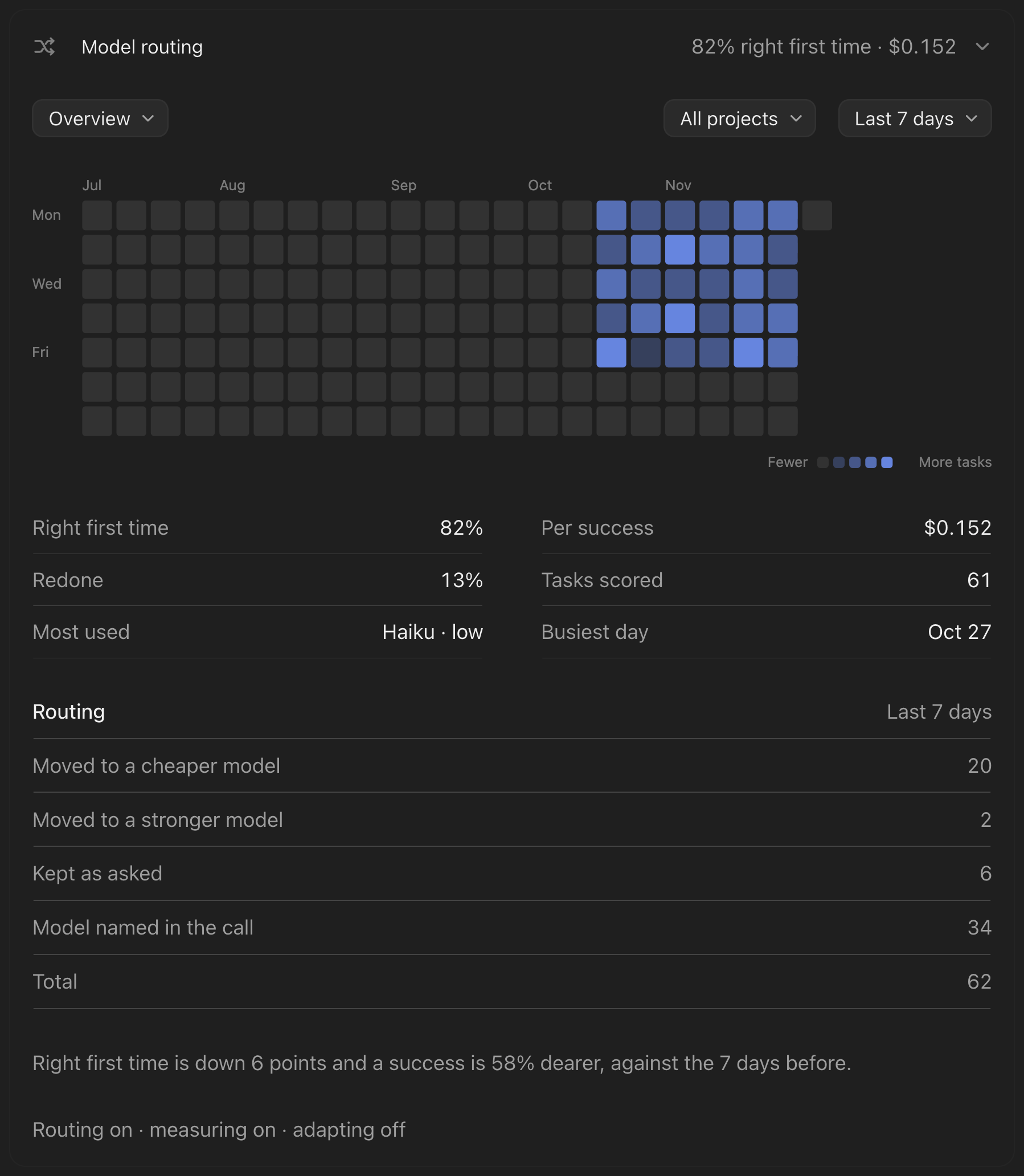
/model-router in the desktop app: an inline card in the conversation, with views selectable from a menu.Architecture
You can install and run either plugin completely on its own. When used together, session-hub delegates model and effort selection for every child session to model-router, without duplicating rules or cluttering your repositories.
model-router choosing model and effort for every launch.Quickstart
Add the marketplace and install either plugin or both. All you need is node in your PATH.
/plugin install session-hub@mrbogomipsOpen Claude Code at the root of the directory holding your repositories and ask it to set up session-hub.
set up session-hub for this hubStart a child session in a repository, let the subagents do their work, and open the usage view.
/model-routerThe user manual covers both plugins end to end: commands, keys, options, a step-by-step walkthrough, and troubleshooting. For release-by-release updates, check the Changelog.