Everything comes down to a simple idea: you step directly into the session that matches your expertise and drive it just as you normally would, while the master coordinates the other sessions in parallel and bridges between them.
This page walks through four scenarios in order of increasing complexity: starting with one person wearing two hats, moving to three repositories run solo, then two teammates pairing with agents, and finally a full product team.
The principle behind every scenario
Before diving into concrete cases, one point is worth establishing: a child session is not a stripped-down agent or a hidden subprocess. It is a full Claude Code session opened inside a single repository, with all of that project's instructions, skills, and agents already loaded. You can step into it and type in it just as you would in any other session.
What makes it a child session is the scope it receives at startup:
- a write root it cannot step outside of;
- a master it reports to;
- five structured message types for communicating with it.
From there, the division of labor follows naturally. You sit in the child session that needs your judgment and steer it closely, while the other child sessions push their own tasks forward in parallel.
If your child session needs something that lives in another repository while you work — even if you asked for it directly — it does not touch that repository. Instead, it sends an out-of-scope message to the master, which decides where to route it: to the child responsible for that project, to a newly spawned session, or back to you if a decision is needed.
Messages carry information, not authority. No session merges, pushes, deletes, or changes settings just because another session asked it to. Approval always comes from a person in their own session. With mods enabled, every message coming from another session includes a line that states this explicitly.
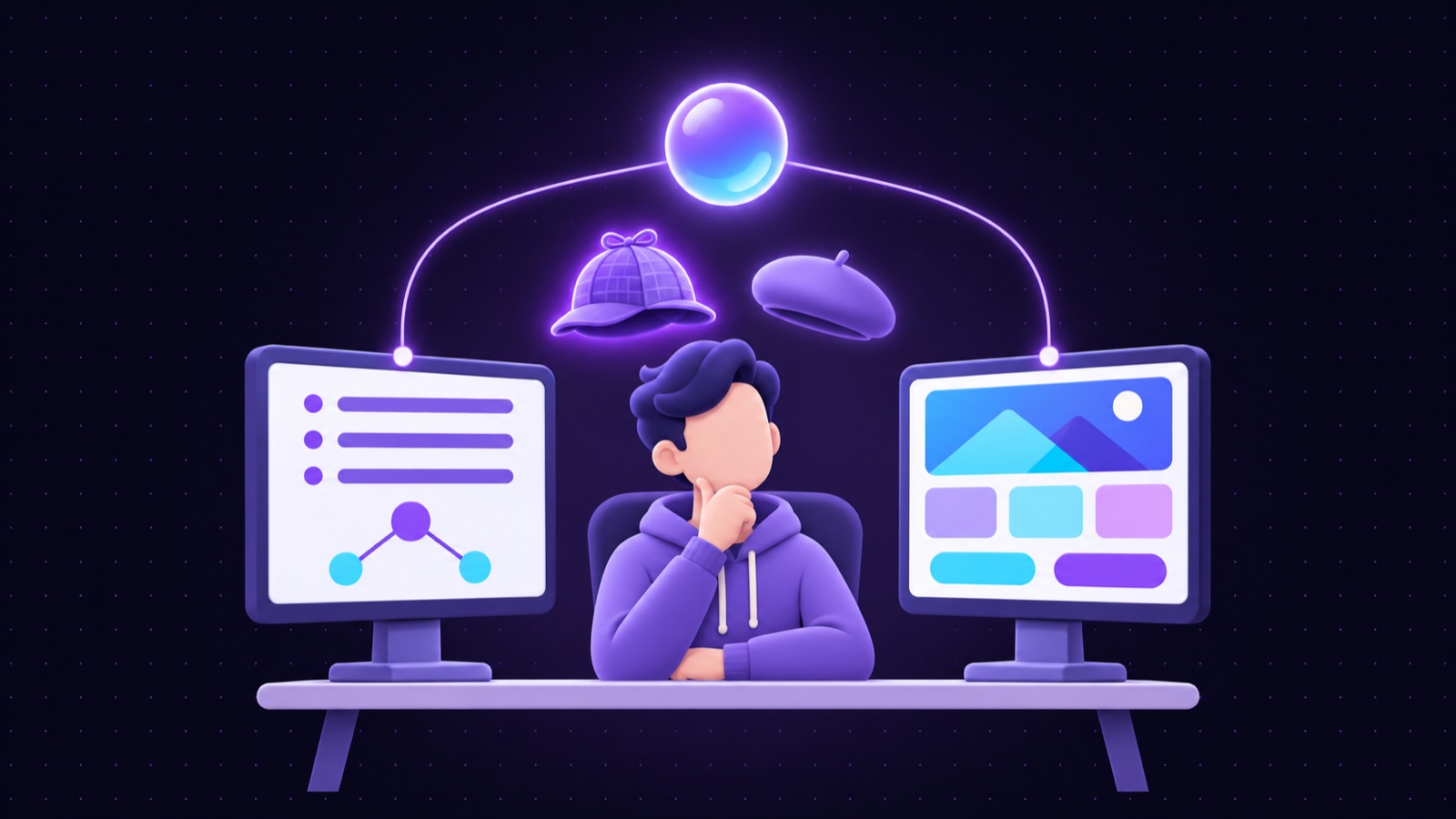
1. Wearing two hats: analyst and UI/UX designer
Start with the simplest case: one person covering two roles on the same feature. They need to write the functional analysis while also shaping the user experience. Their hub holds two repositories: design for analysis documents and prototype for a working UI prototype.
The workflow starts in the master. The person describes the feature they want to build; the master's dispatch skill sees that both repositories will need writes and launches both child sessions in a single spawn call. Spawning them together has a clear benefit: each child's handoff immediately lists the other as a sibling session.
At that point, the work splits into two tracks:
- The person steps into the
designchild session and writes the analysis alongside the agent, focusing on product decisions. - Meanwhile, in parallel, the
prototypechild session builds the screens based on what the analysis has already defined.
What happens when refining the analysis changes a detail the prototype depends on? The design child does not edit code in prototype — its scope guard would block the write anyway. Instead, it sends an out-of-scope message to the master, which forwards it to the prototype child as a [master] follow-up.
That way, the person keeps a single train of thought — the analysis — without constantly switching context: a parallel session wears the other hat, stays aligned, and reports back.
2. Developer, analyst, and UI/UX designer
Now add a third piece. The same mechanism scales effortlessly when one person owns the full lifecycle of a feature across three repositories:
design— requirements, analysis, and API documents;prototype— the implemented, runnable UI;product— the production code.
With three repositories in play, two hub configuration mechanisms become especially useful.
The first is rule and model isolation. Each child session loads its own repository's conventions: product follows the product's testing and branching rules, while prototype follows the prototype's. Through the hub's Model and Effort keys, you can also assign a default model to each repository — for example, design: opus for architectural reasoning and product: sonnet for implementation. If you also have model-router installed, its grid chooses for any child sessions left without a fixed constraint.
The second mechanism is controlled read-only access. Using the hub's Scope key, you can let a child session read specific paths outside its write root. That lets the product child consult both the documents in design/docs/ and the code in prototype/ while implementing the feature, without ever having permission to modify them.
Here is what a typical configuration for this hub looks like:
## Child sessions
- Repositories:
  - `design/`: requirements, analysis and API documents, base branch `main`
  - `prototype/`: the runnable UI prototype, base branch `main`
  - `product/`: the product code, base branch `develop`
- Model: design: opus; prototype: sonnet; product: sonnet
- Scope:
  - product: `design/docs/`, `prototype/`
- Layout: panes
You do not need to write this section by hand: the session-hub:setup command generates it by scanning the repositories in the hub, proposing initial values, and writing the configuration only after you explicitly confirm.
3. AI pair programming, evolved
So far, only one person has been working. What happens when two teammates with different roles step into the same task?
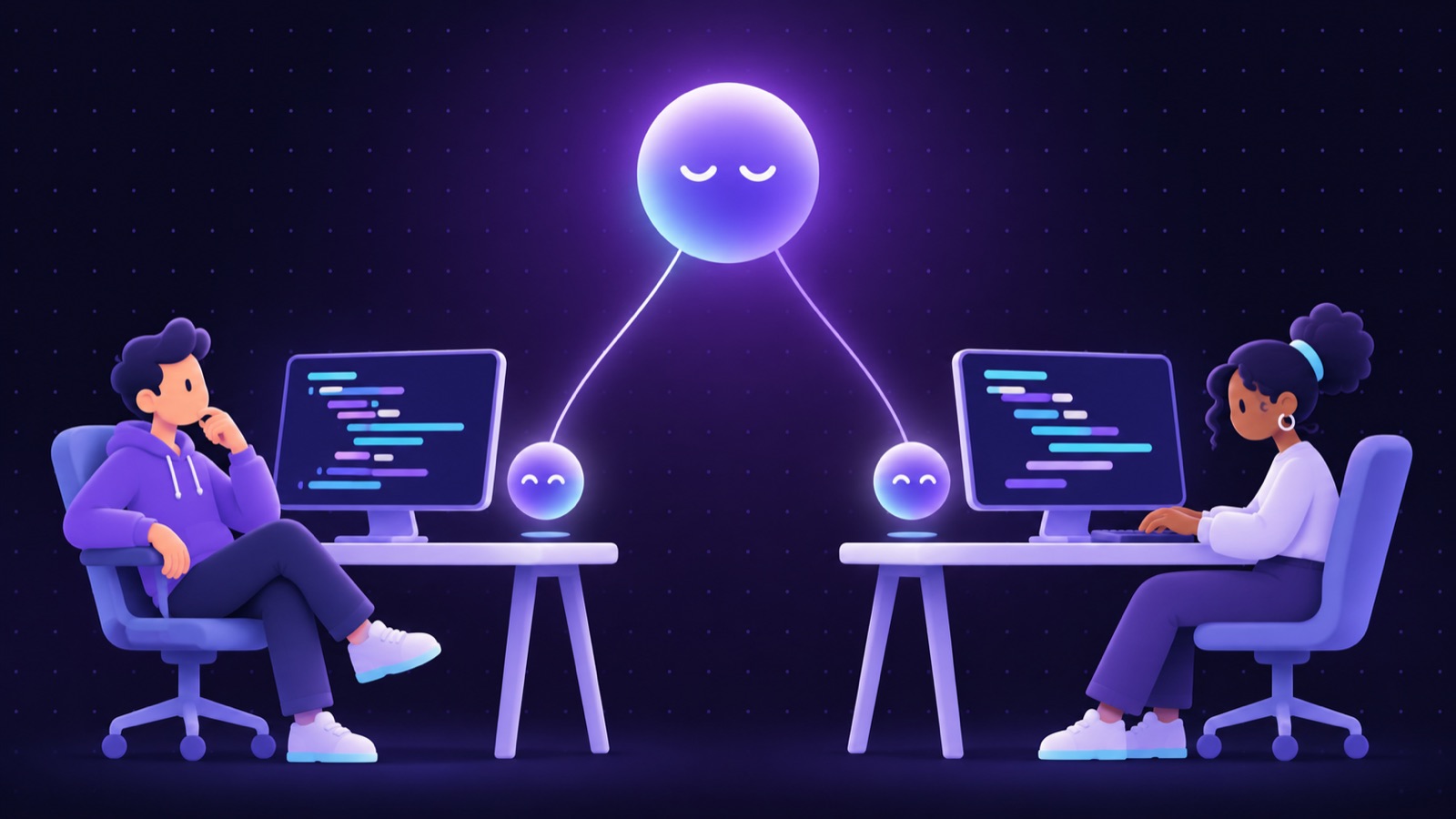
In classic AI pair programming, one person works with one agent. With session-hub, the model expands: each teammate forms their own pair (builder + agent) inside their repository's child session, while the master agent coordinates exchanges between the two pairs.
Picture an everyday situation: one teammate defines an API contract in design, while the other implements it in product. Each drives their own child session directly.
When the coder's child session hits an ambiguity in the API spec, it neither guesses nor edits the document: it sends a question or out-of-scope message to the master. The master forwards it to the design child, where the other teammate sees it, clarifies the point, and updates the contract. Neither pair touches the other's repository, and nobody has to break flow to explain context out loud or in chat: everything needed already travels in the message.
How it runs today: a single shared host
In practice today, this setup runs on a single shared host. Both teammates connect via SSH to the same tmux or Herdr session on that machine and each controls their own pane, while the master runs in a third pane. All sessions use the Claude Code login configured on that host.
The reason comes down to how sessions communicate with each other: a child session inherits the master's account and configuration directory, because two sessions with different configuration directories cannot exchange messages. In addition, the master only receives messages from child sessions running on the same machine. That is why teammates share the host today instead of each connecting with their own local login.
4. The AI-assisted and AI-mediated product team
Taking this logic all the way leads to the scenario the whole architecture points toward: a product team where every person works alongside agents, and the agents handle the operational coordination between people.
The premise: the prototype replaces hand-crafted mock-ups
Detailed static UI/UX mock-ups are expensive to draw and even more expensive to keep aligned as the product evolves. In this model, they are replaced by a prototype: an actual runnable UI, built and updated by a child session from the requirements and design.
The UI/UX designer's role shifts accordingly: instead of chasing every individual screen by hand, they define and steward the initial Design System and the Principles & Patterns that both the prototype and the final product follow. Product managers, analysts, and designers then feed the prototype continuously, while product developers reference it live alongside the documentation.
Who works where
| Person | Session | Repository and work |
|---|---|---|
| Product Manager | The master | The hub: priorities, decisions, approvals; routes every request across child sessions. |
| Analyst, architect, UI/UX designer | design child session | design: requirements, PRDs, architecture, UI/UX design, Design System, and Principles & Patterns. |
| Analyst, architect, UI/UX designer | prototype child session | prototype: the runnable UI that replaces mock-ups, built on the Design System. |
| Fullstack Developer (Builder) | product child session | product: the code headed to production, built from the documentation and the prototype. |
A day in the team
Follow a feature from start to finish to see how the pieces fit together.
- Kickoff. The product manager opens the master and asks for a new weekly view.
dispatchidentifies the repositories involved and spawns the needed child sessions. - Shared proposal. In the
designchild session, the architect drafts a new/weekendpoint. Because it is a shared interface —productwill have to implement it andprototypewill have to call it — thedesignchild does not publish it unilaterally: it sends the proposal to the master, which puts it in front of the product manager.
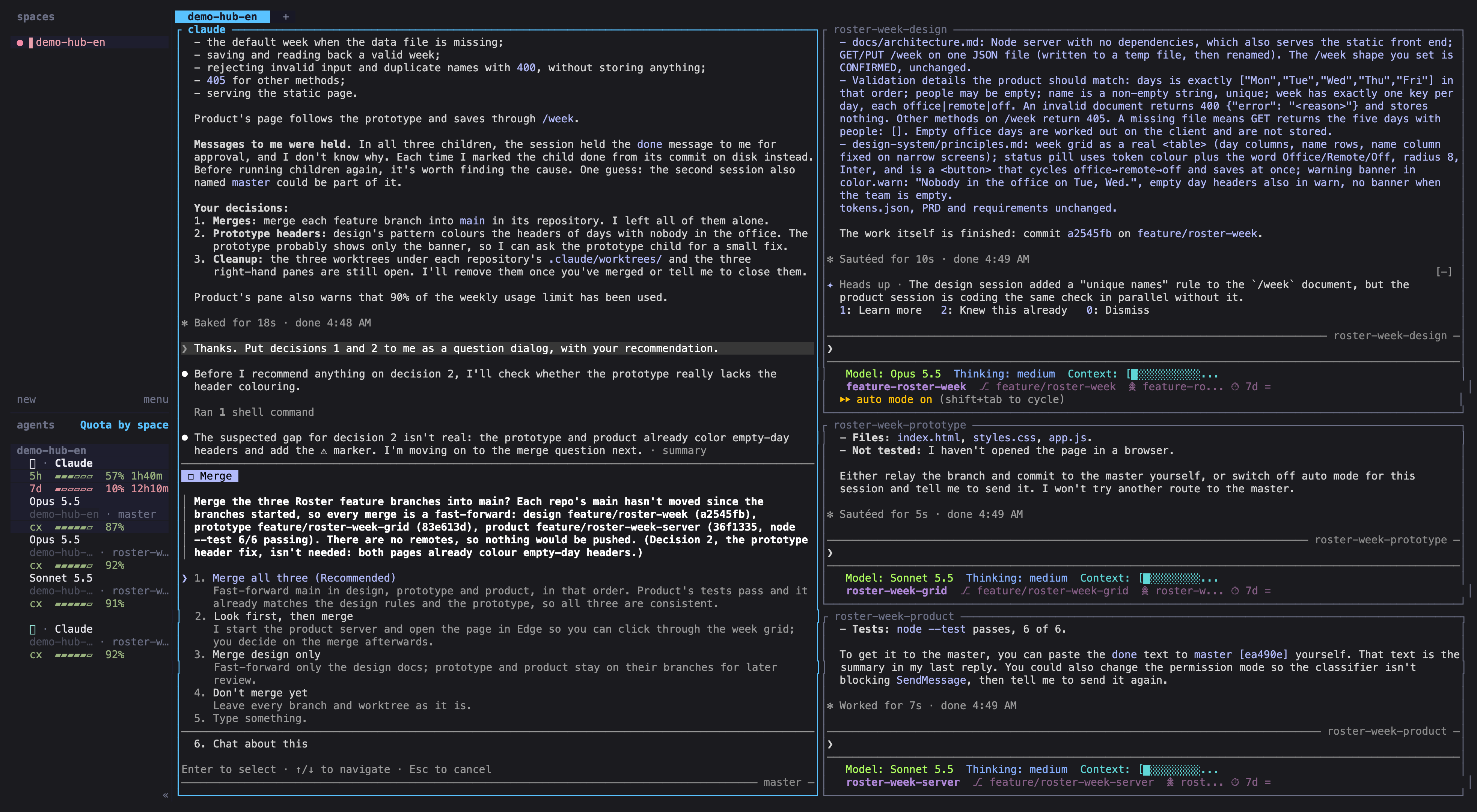
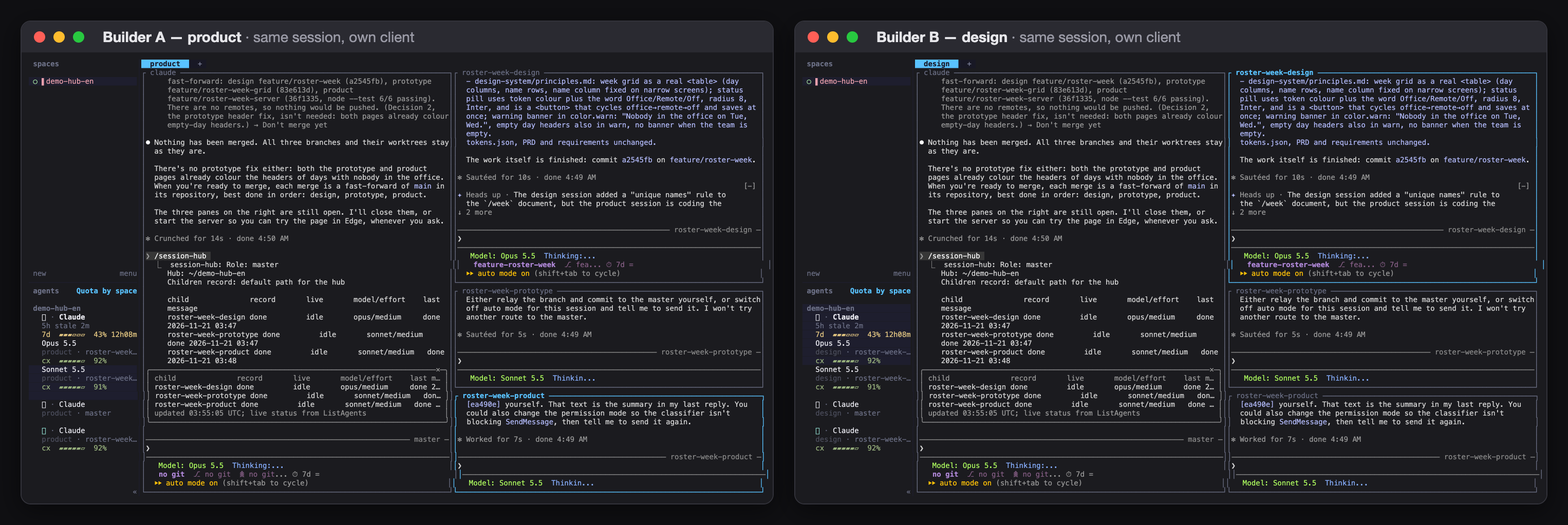
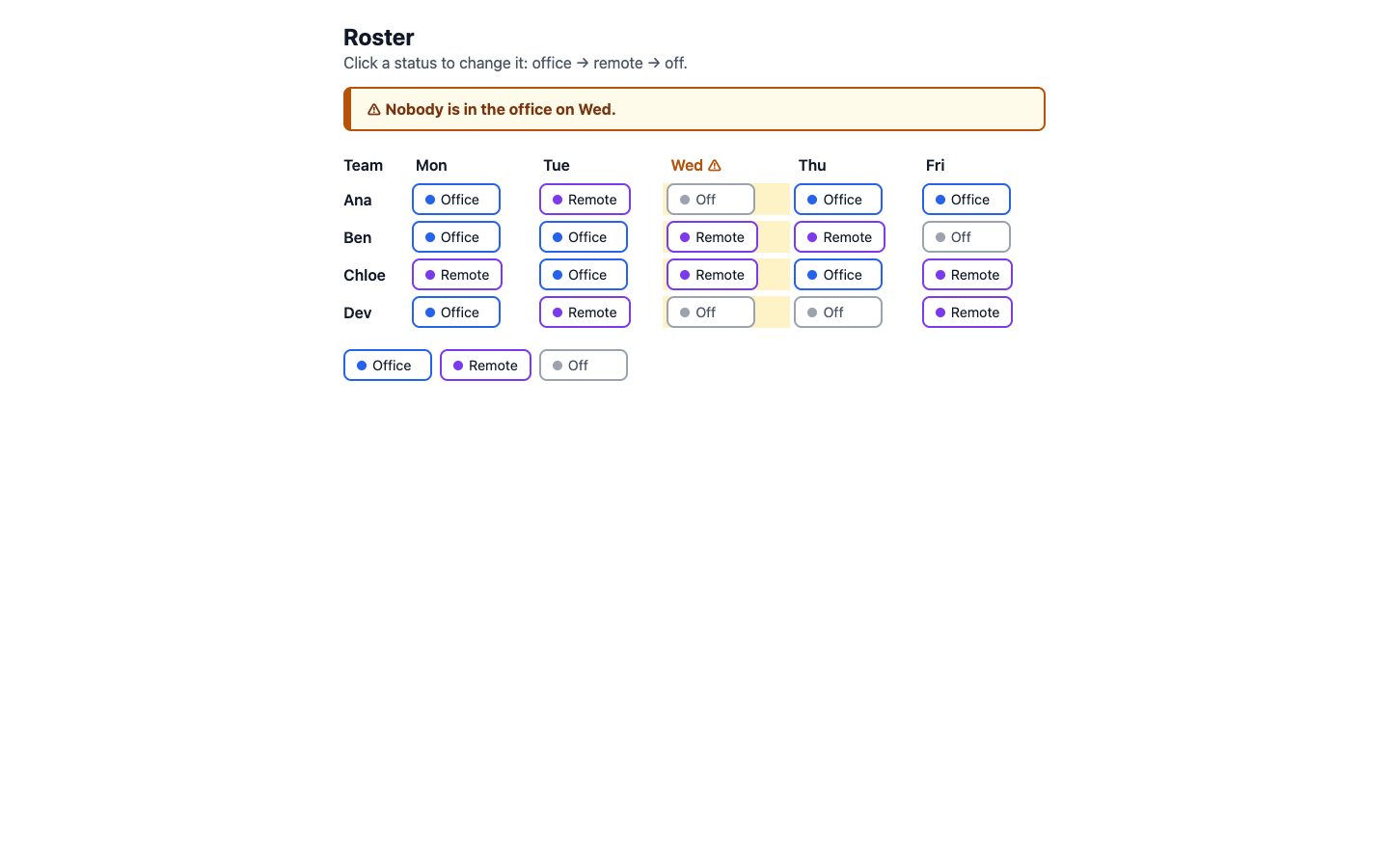
/week API or merging the three feature branches. The design, prototype, and product child sessions occupy their respective panes on the right.- Approval and propagation. The product manager approves the API directly in the master. A general rule applies here: every change to a shared interface goes through its owner, and the decision is then propagated to all affected sibling sessions. The master therefore sends a
[master]follow-up to bothprototypeandproduct. - Parallel execution. The
prototypechild wires the new weekly view into the runnable UI. Meanwhile, inside theproductchild, the builder reads the approved API spec and opens the updated prototype in the browser — both included in its read scope — and implements the endpoint following the product's conventions and tests.
- Wrap-up without status meetings. As soon as a child session opens a pull request, it sends a
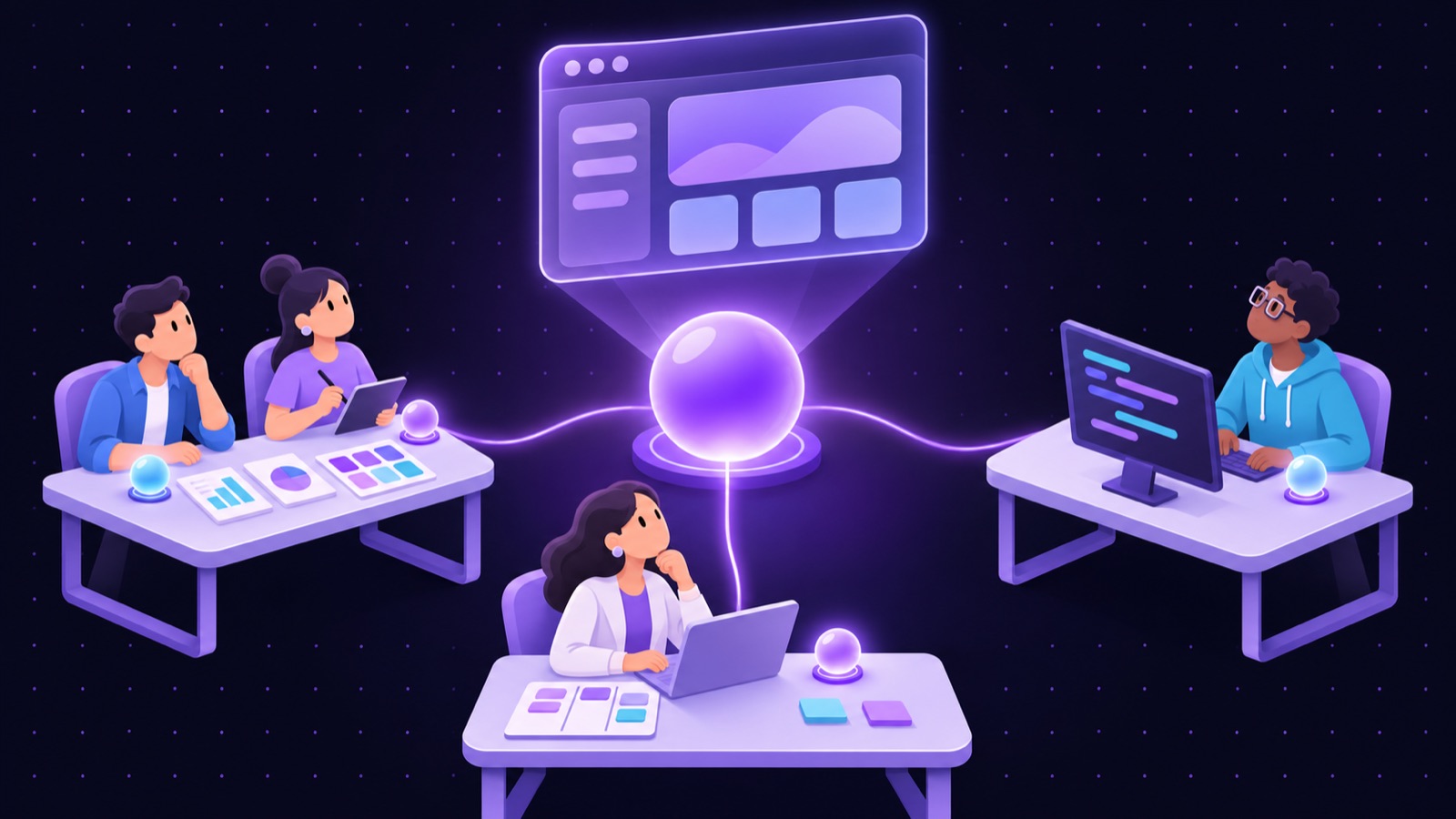
prmessage with the link; when its work is complete, it sendsdone. The master records both in the children record and applies the hub's closeout rules. The product manager tracks the progress of the entire feature from the child sessions panel without chasing anyone for status updates.
Things to keep in mind
Before bringing these scenarios into everyday work, keep four practical constraints of the current architecture in mind:
- Guards enforce scope; people make decisions. The scope guard blocks file edits outside the write root even when mods are disabled. The send guard and shell inspection, however, require mods to be enabled, and shell inspection runs on a best-effort basis.
- Single machine. The master can only receive messages from child sessions running on the same host and sharing its account and configuration directory. Team workflows like scenario 3 therefore share a single machine.
- The desktop app has no guards. A child session launched in the desktop app does not receive role variables: its scope relies solely on the handoff instructions. When that happens,
spawnflags it explicitly in its report. - Trust is per repository. The first time a child session starts in a repository nested inside an already trusted hub, Claude Code may pause at the trust prompt for that subdirectory: you have to confirm it manually.
To dig into the internals, continue to session-hub in depth; to see how each child session gets matched with the right model, head to model-router.